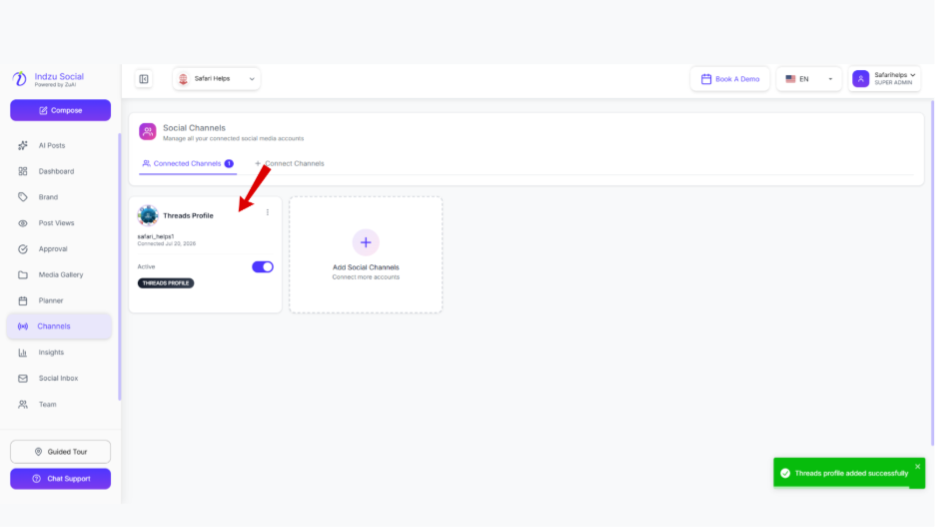
Step 1: Go to the channel section, click on “Connect” under Threads.
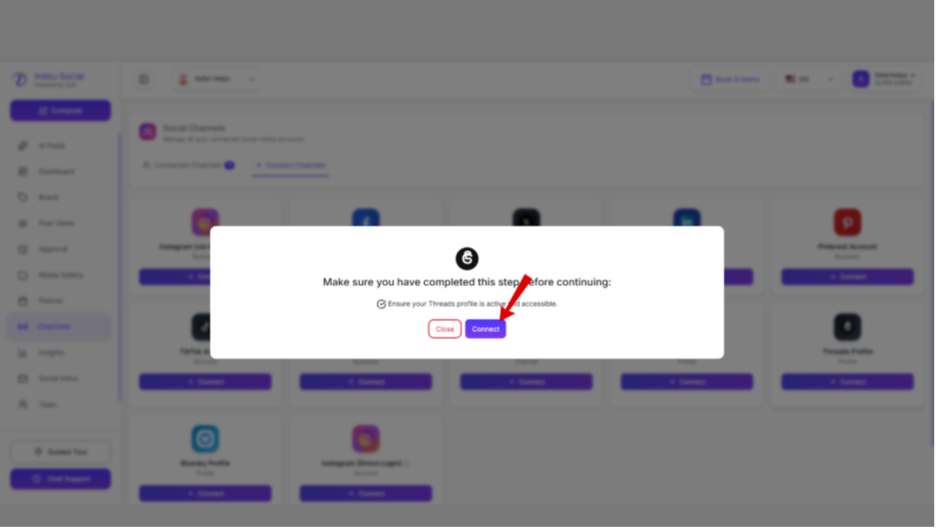
Step 2: A menu will pop up to make sure you follow the instructions mentioned. Then click “Connect.”
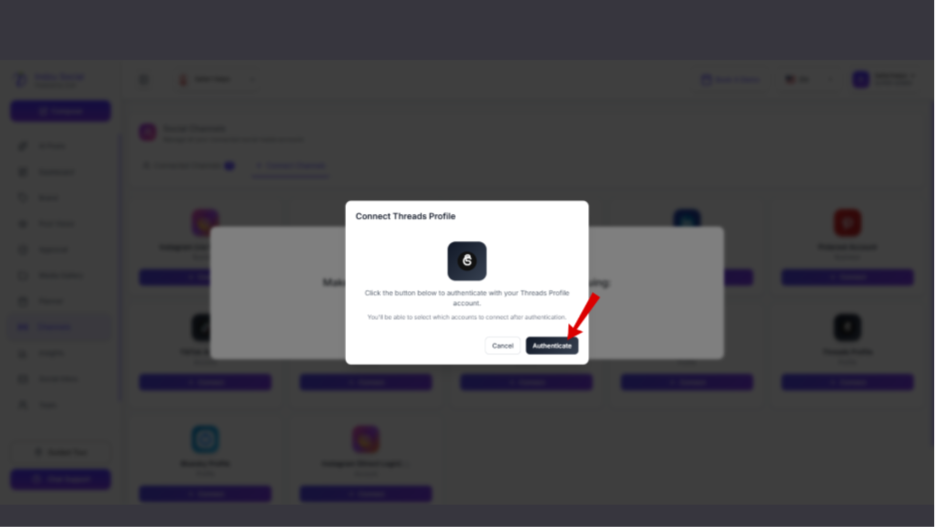
Step 3: To connect your Threads with Indzusocial, click ” authentication”.
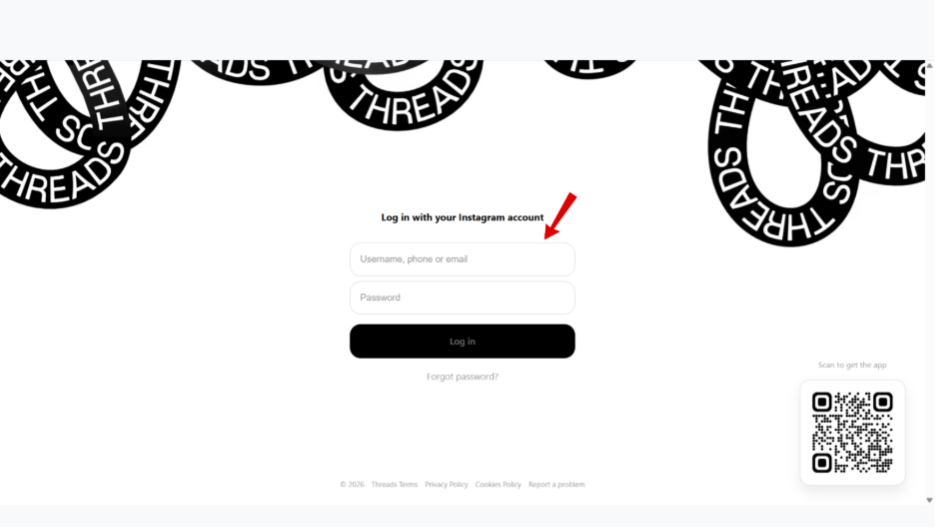
Step 4: Then login to the Threads.
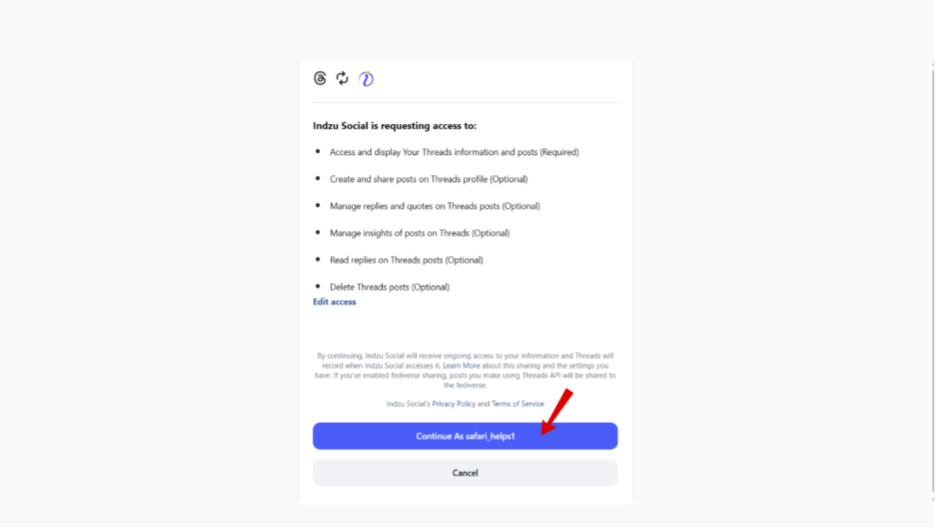
Step 5: Then click on “Connect Page ” to connect your Threads to Indzu.
Step 6: Once it is connected, you will get a notification on your home page.