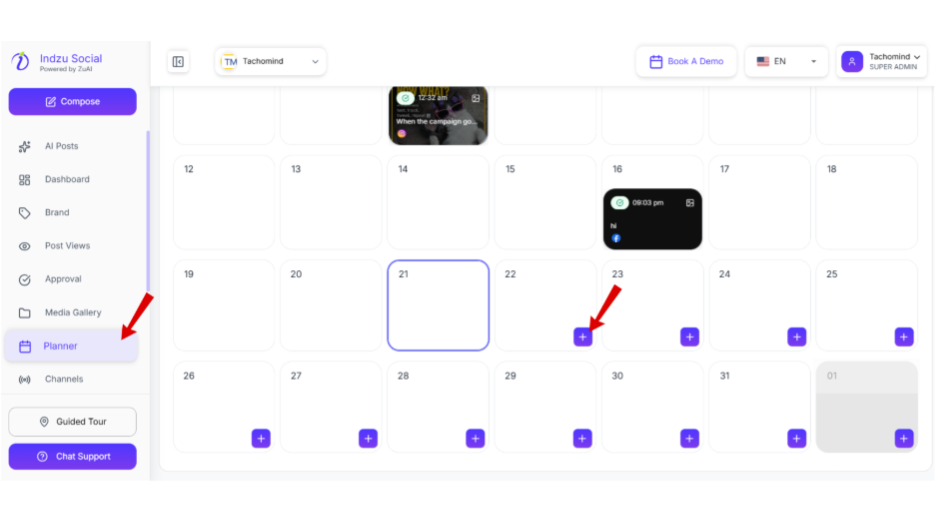
Step 1: Click on “Planner”. Then the”+” sign of the date you want to create a post for.
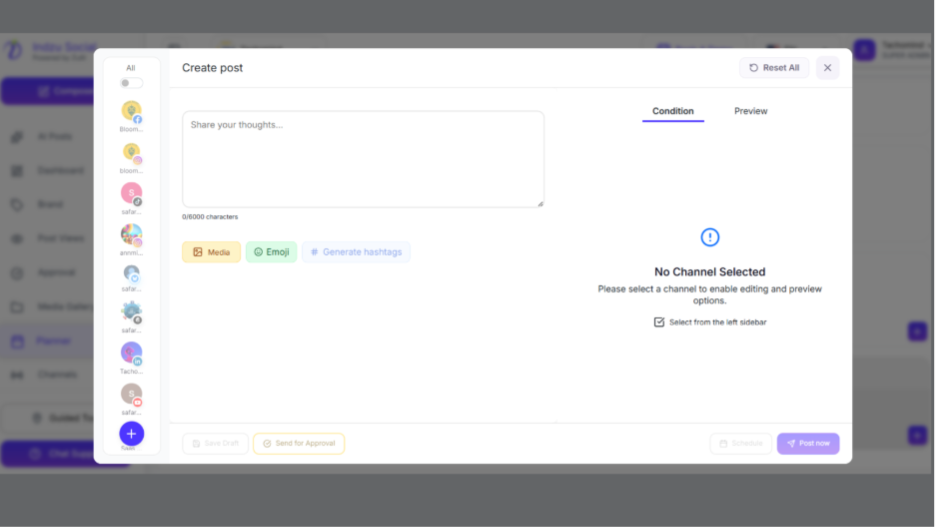
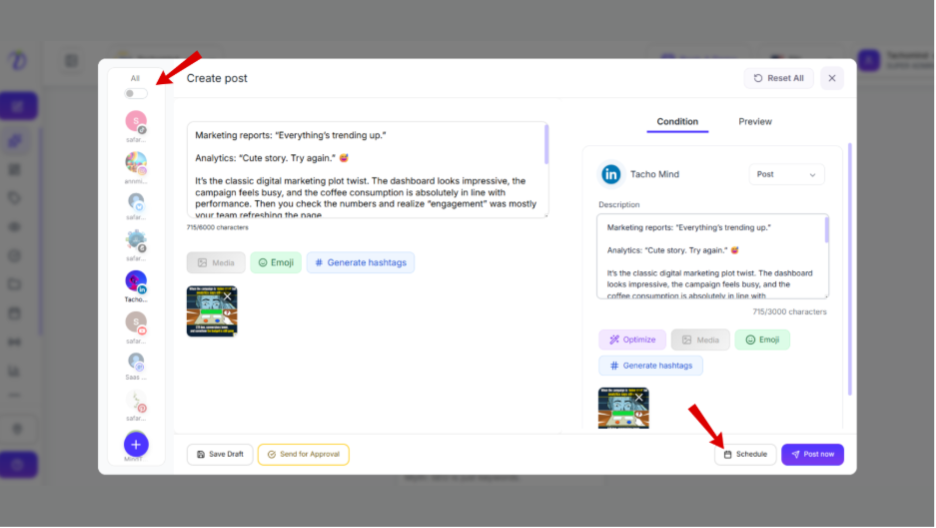
Step 2: It will direct you to the “Create a post” page.
Step 3: Select the social channel you want to upload the post, then add your image, description, hashtags. Make sure you are following the conditions of each social channel in which you want to upload your post
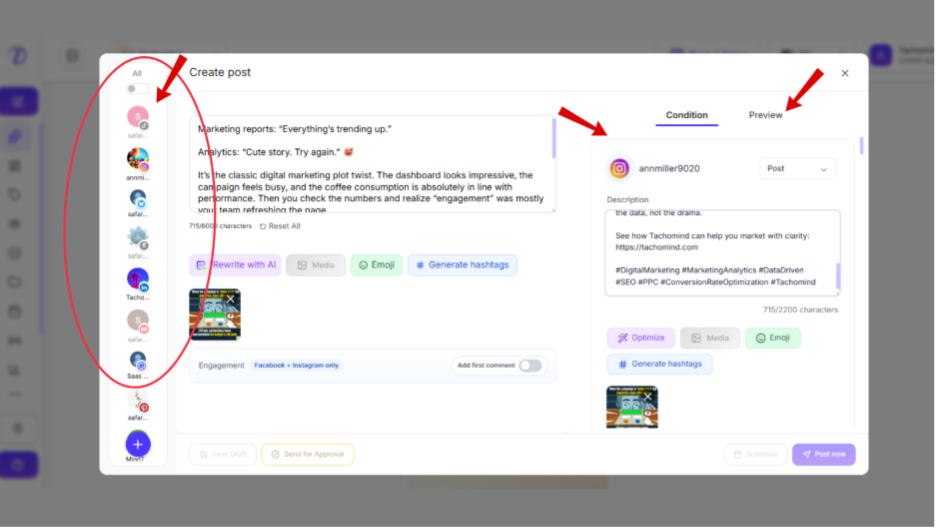
Step 4: Then Click on the “Schedule” on the bottom of the portal.
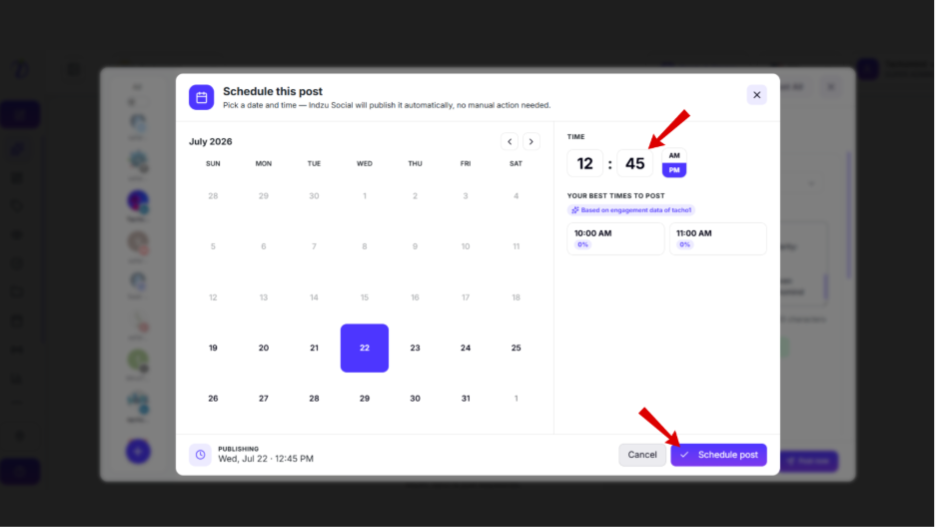
Step 5: Select your preferred date and time.
Step 6: You can also select the time from the” SUGGESTED TIMES TO POST”.
Step 7: Click “Scheule post ”.