AI Studio is the workflow-based creation area for generated images and videos. It gives you more control over your source material and creative settings than Quick generate.
Open AI Studio
- Expand Content and select Post Views.
- Select AI Posts, then AI Studio.
- Use All, Images, or Videos to narrow the workflow list.
- Select a workflow card and complete its source details and settings. Review the generation estimate before confirming generation.
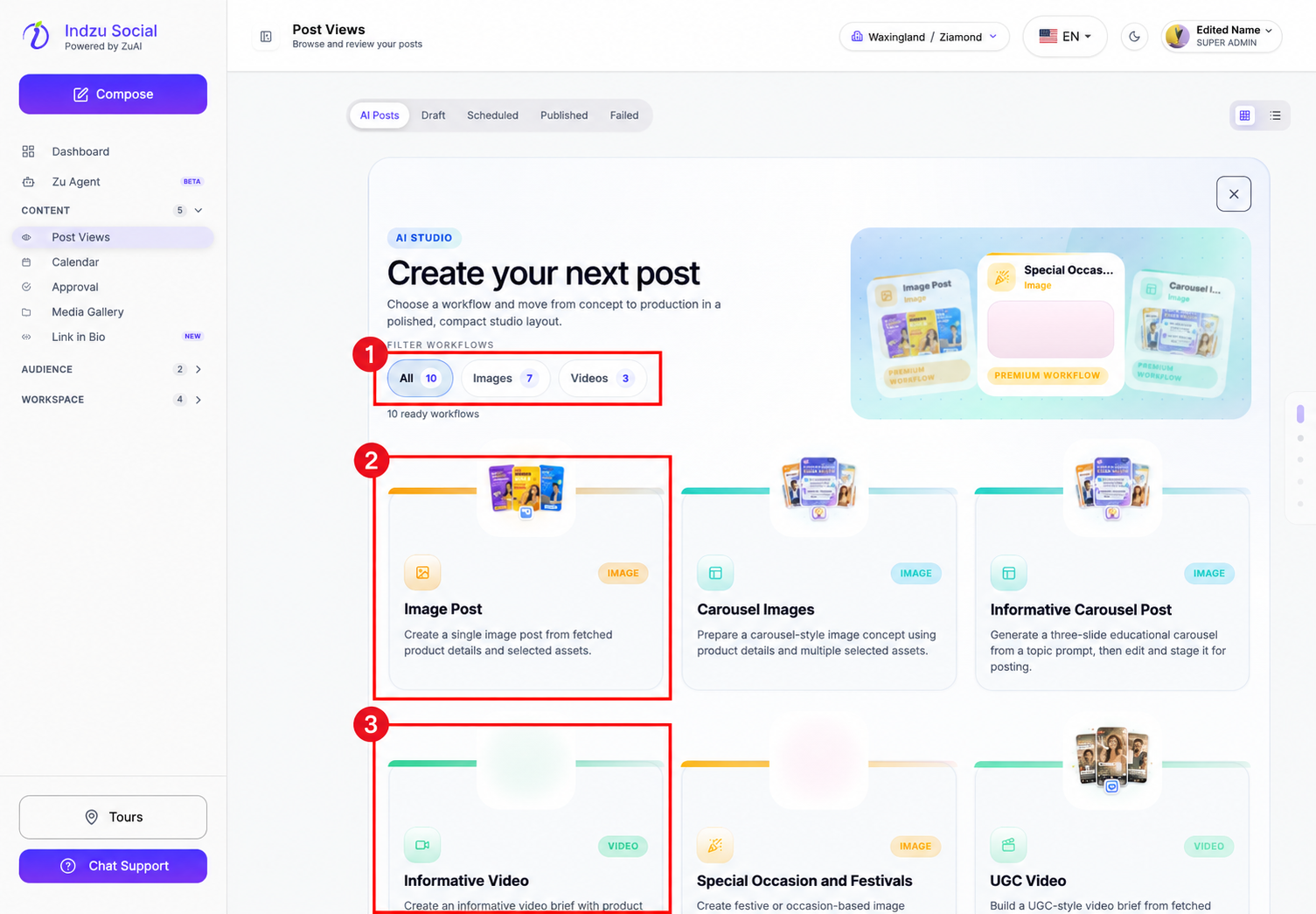
The available workflows include image posts, carousels, informative videos, occasion-based images, UGC videos, short promotional videos, ads, memes, and product photo shoots. Each workflow asks for the inputs it needs; not every workflow has the same steps.
Generation uses AI credits. The generated result is content to review, not an automatically published social post. After reviewing it, use the social-post creation and scheduling options, including posting queues where available.