Brand voice is the tone used to guide your brand’s generated content. In the current UI, it is part of Branding → Content Preferences, not a separate Voice tab.
Choose the voice and caption size
- Open Workspace → Brand and confirm the brand at the top.
- Select Branding and scroll to Content Preferences.
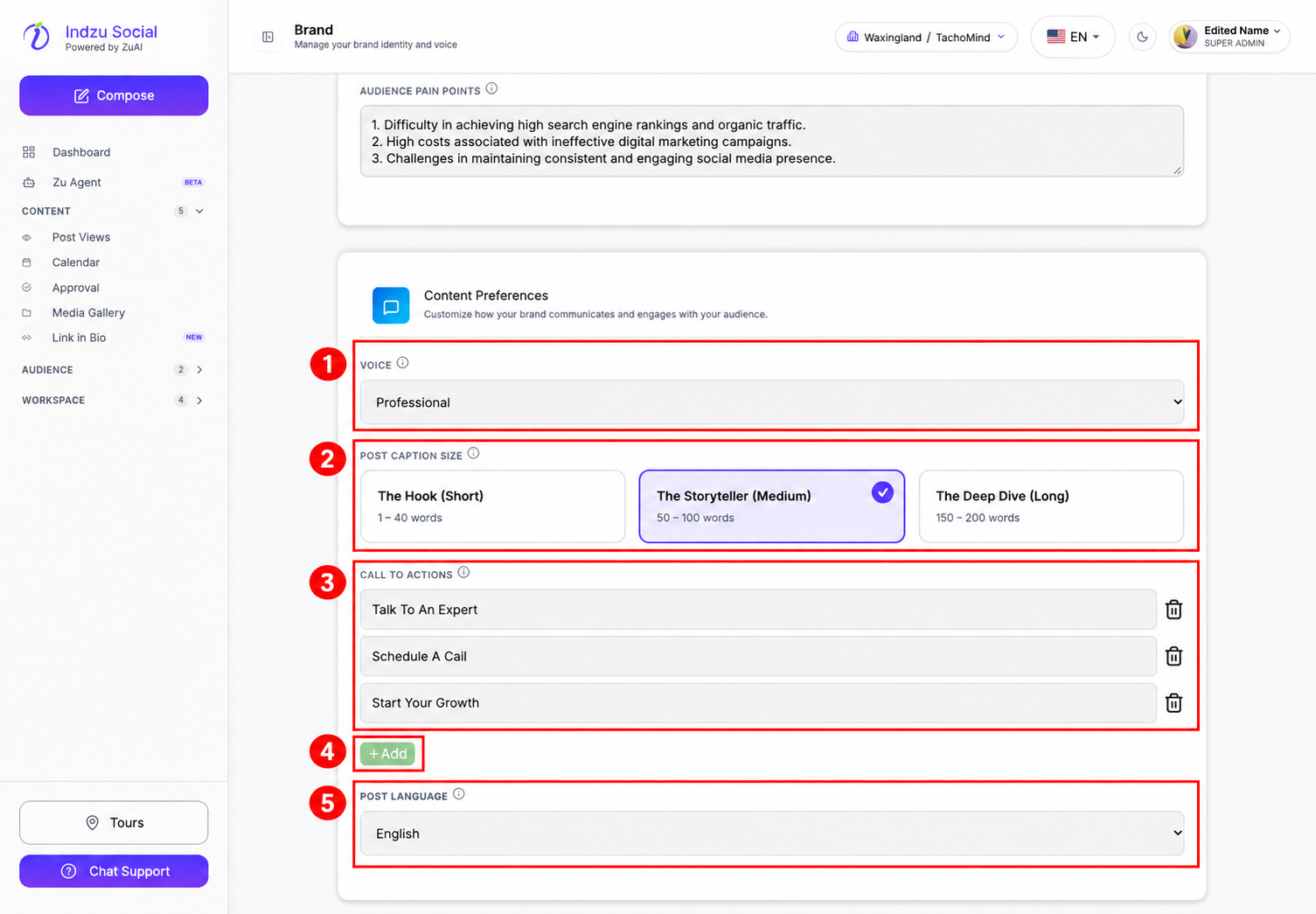
- Open Voice and choose Formal, Informal, Creative, Witty, Professional, Empathetic, Friendly, Authoritative, or Casual.
- Choose Post Caption Size: The Hook (Short), The Storyteller (Medium), or The Deep Dive (Long). The word ranges shown are guidance for the generated caption.
Review calls to action and language
- Edit the Call To Actions entries to match what you want customers to do, such as booking a call or contacting your team.
- Use Add for another entry, or its trash icon to remove an unwanted entry from the form.
- Set Post Language to the language intended for your content. This controls generated content, not the interface language selector in the top bar.
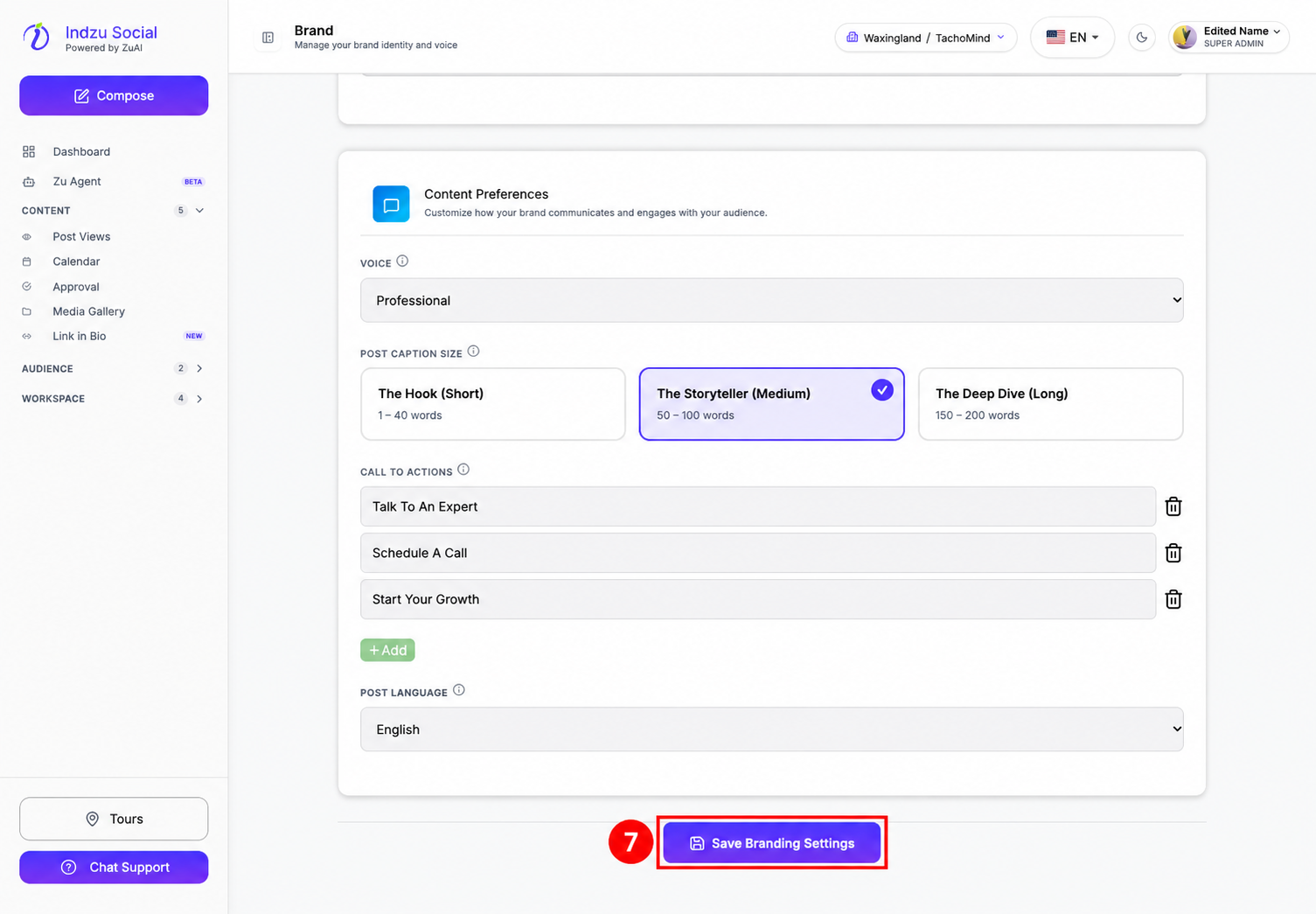
- Scroll down and select Save Branding Settings.
Choose a tone that matches your audience, then review generated captions before publishing. Updating these preferences does not automatically rewrite existing posts.