First check whether the problem is creating AI content or publishing a social post. A failure in Post Views → Failed concerns social posting; it is not automatically an AI-generation failure.
Check credits and access
- Confirm the selected workspace and brand, then check your AI Credit balance and usage.
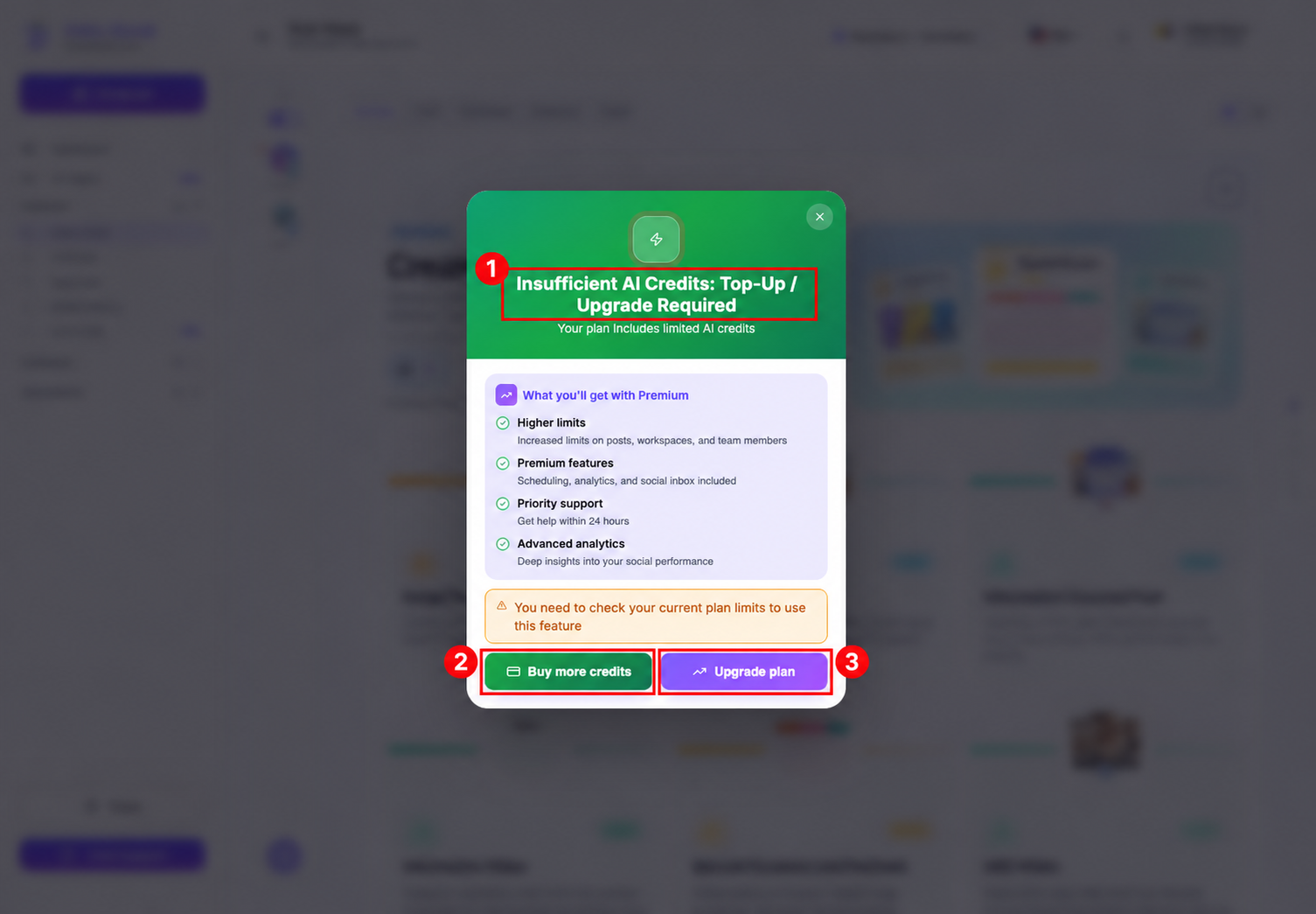
- If Insufficient AI Credits: Top-Up / Upgrade Required appears, check the credit balance and plan limits. The dialog offers Buy more credits and Upgrade plan; choose only the option appropriate for your account.
- Review the estimate before starting generation. A workflow may have enough credits to open but require more for the final configuration.
Check incomplete inputs
- Read validation messages near the disabled Continue or Generate button. Idea prompts may require at least 80 characters; product workflows can require a name, description, and selected image.
- Check that the URL is valid and accessible, fetched details have loaded when required, and uploaded or gallery media is selected. Use the workflow’s alternative manual input route when a source cannot be fetched.
- Complete required choices such as a meme template, aspect ratio, or carousel slide count.
If generation has already started
Avoid repeatedly selecting Generate while work may still be running. Check AI Posts for the result, confirm the correct brand and media filter, and refresh after allowing the request time to finish. Do not refresh an unsaved editor without saving your text elsewhere first.
If the result is still missing or an error persists, contact Chat Support. Include the workflow name, brand, approximate start time and timezone, error text, and a screenshot. Do not send passwords, login tokens, or private customer data.
Before retrying, review credit deductions. A retry can start a new chargeable request; do not assume it is free or that a failed attempt was automatically refunded. Support can investigate the specific request.